
Table of Contents
Introduction
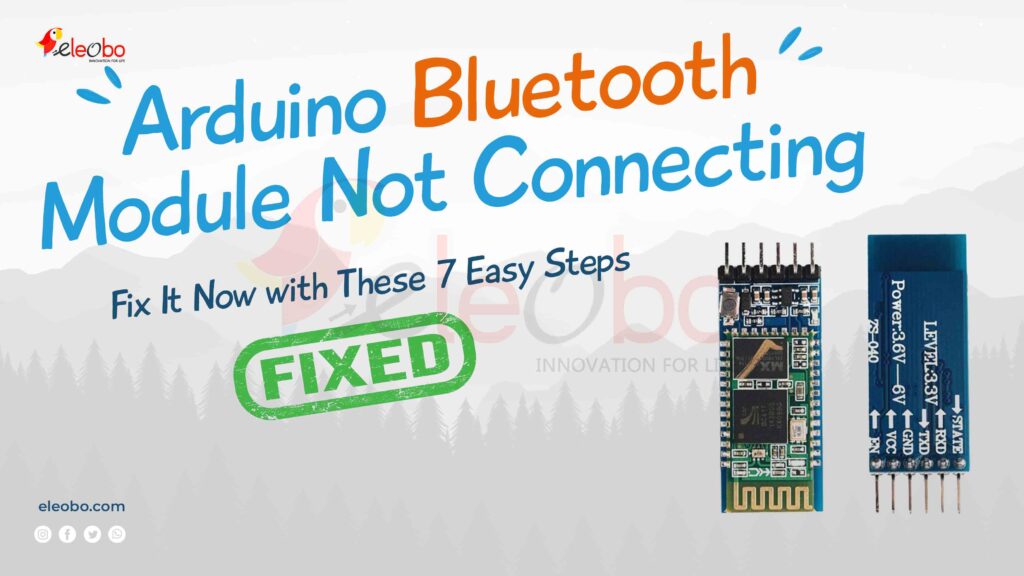
Is your Arduino Bluetooth module not connecting? Don’t worry! You’re not alone. Many makers and electronics enthusiasts face this frustrating issue when working on Arduino projects. Whether you’re using an HC-05, HC-06, or any other Bluetooth module, you can easily fix connection problems with the right approach.
In this guide, we will walk you through the most effective troubleshooting steps, common mistakes, and solutions to ensure your Arduino Bluetooth module not connecting problem becomes a thing of the past. Let’s get started!
Why Is Your Arduino Bluetooth Module Not Connecting?
Before we dive into the fixes, let’s first understand the possible reasons why your Arduino Bluetooth module not connecting issue occurs:
- Incorrect Wiring – If your TX and RX pins are not connected properly, communication will fail.
- Wrong Baud Rate Settings – The Bluetooth module must use the correct baud rate to connect.
- Module Not in Pairing Mode – Some modules need to be in AT mode for configuration.
- Bluetooth Module Already Paired to Another Device – It might be connected elsewhere.
- Power Issues – Insufficient power can cause connectivity problems.
- Incorrect AT Commands – If your module is not set up correctly, it won’t connect.
- Faulty Bluetooth Module – Rare, but possible.
Now, let’s move on to the step-by-step fixes to solve your Arduino Bluetooth module not connecting problem.
Step 1: Check Your Wiring
One of the most common reasons for an Arduino Bluetooth module not connecting is incorrect wiring. Follow this connection diagram:
- HC-05 / HC-06 to Arduino Uno
- VCC → 5V (some modules require 3.3V)
- GND → GND
- TX → RX (Pin 10 if using SoftwareSerial)
- RX → TX (Pin 11 if using SoftwareSerial, use a voltage divider to avoid 5V on a 3.3V module)
Example Code for SoftwareSerial
#include <SoftwareSerial.h>
SoftwareSerial BTSerial(10, 11); // RX, TX

void setup() {
  Serial.begin(9600);
  BTSerial.begin(9600);
  Serial.println("Bluetooth Module Ready");
}

void loop() {
  if (BTSerial.available()) {
    Serial.write(BTSerial.read());
  }
  if (Serial.available()) {
    BTSerial.write(Serial.read());
  }
}
Step 2: Set the Correct Baud Rate
If your Arduino Bluetooth module not connecting, your baud rate might be incorrect. The default baud rate is usually 9600 for HC-05 and HC-06. To change it, enter AT mode:
- Hold the button on the HC-05 before powering it.
- Send AT commands using a serial monitor.
- Use
AT+UART=9600,0,0to set the baud rate.
Step 3: Ensure the Module Is in Pairing Mode
Your Arduino Bluetooth module not connecting could be due to the module not being in pairing mode. The LED indicator should blink fast when in pairing mode. If it blinks slowly, reset it:
- Disconnect power.
- Hold the EN (Enable) button.
- Reconnect power.
- Release the EN button.
Step 4: Check for Existing Pairing
Sometimes, your Arduino Bluetooth module not connecting because it’s already paired to another device. Follow these steps:
- Unpair the Bluetooth module from your phone or PC.
- Turn off Bluetooth on other devices.
- Restart your module and try again.
Step 5: Test with Another Device
If your Arduino Bluetooth module not connecting persists, try pairing it with another phone or computer. If it works, the issue might be with your original device’s Bluetooth settings.
Step 6: Reset Your Bluetooth Module
To reset your module, use the following AT commands in the serial monitor:
AT+ORGL   // Restore factory settings
AT+NAME?  // Check Bluetooth name
AT+ADDR?  // Check Bluetooth address
Step 7: Check for Faulty Modules
If you have tried all the above steps and your Arduino Bluetooth module not connecting issue still exists, you might have a faulty module. Test with a new module to confirm.
Final Thoughts
Now you know how to fix the Arduino Bluetooth module not connecting issue! With the right troubleshooting steps, you can get your module up and running in no time. If you still face issues, double-check wiring, baud rate, and pairing settings.
Got any questions? Leave a comment below, and we’ll be happy to help!
By following these steps, you’ll no longer struggle with the Arduino Bluetooth module not connecting problem. Happy coding!
Related Articles: Other Arduino IDE Errors
Download BlueBot Controller App and start your journey today!